
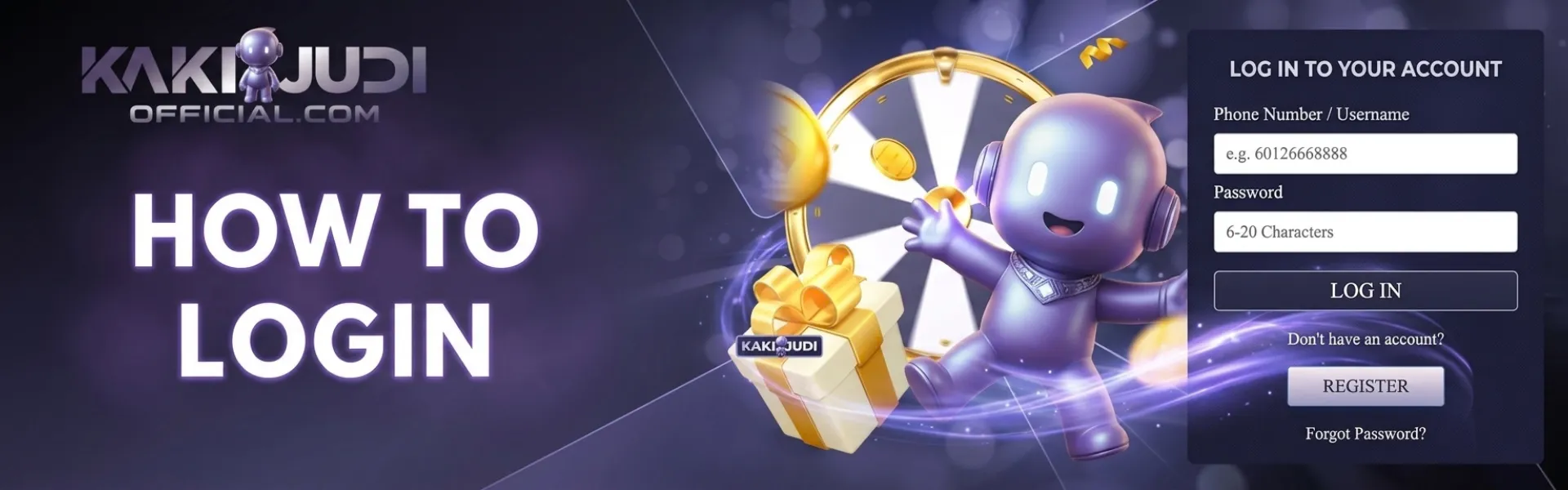
KAKIJUDI login has one path: type the official address, tap LOGIN in the header, and use the details you used when you signed up. A KAKIJUDI session is the same wallet you already hold in ringgit. A “new login link” in a chat is not a faster door. It is how people type a password on a lookalike and then cannot see the balance.
Have three things in reach before you tap: the username or mobile you registered, the password you set that day, and the handset that still receives SMS. If the password is a guess, use the reset on this same site. A second Sign up tap is not a reset.
Open the bookmark, then tap LOGIN
Open the browser you already trust. Type kakijudiofficial.com. Wait for the full page. Read the address bar letter for letter, not the tab title. A padlock on a fake host still shows a padlock. Extra hyphens, a swapped digit, a longer name wrapped around “kakijudi,” or a different ending are the usual tells. If the letters sit inside a different host, close the tab. Open a fresh one. Type it again.
On desktop, LOGIN sits next to Sign up at the top. On a phone, open the menu if the header is collapsed. You want the official form on the same window, not a button that jumps to another host. If the page asks you to pay a personal name “to unlock login,” you are not on KAKIJUDI. Close it.
Do this in that order, on a device you control:
- Open kakijudiofficial.com from the address you typed. Confirm the host.
- Tap LOGIN. Stay on that form. Do not jump to a link from WhatsApp, Telegram, or a story.
- Type the same details you used when you signed up. Caps lock off. Check the mobile digits if the form asks for the number.
- Submit once. If it fails, read the message on that screen before you try a new password from memory five times.
- After you are in, read the footer. Then open the cashier only if the office line still matches.
Stay on your own handset. Logging in on a friend’s tablet leaves the session on their device. Sign out if you borrowed a screen. Skip public USB while the form is open. Shade the screen outdoors so the password field stays readable.
No file yet? Open Register on this domain and finish that sitting first. Do not create a second login because the first password will not come back to you tonight.
Use the same details, and reset only from this Login page
The fields are the ones you fill out on signup. Enter your username or mobile, then your password. A nickname you use in a group chat is not a substitute if the form wants the registered handle. If you changed the password last month, the newest one works.
Wrong password. Check Caps Lock, then the last character. Autofill on a shared phone often drops an old string into the box. Clear the field and type it. Three calm tries beat ten fast ones that lock the file.
Forgot it. Use the reset control on this Login page. Stay on the bookmark. The code or link goes to the phone or inbox you registered, and you type it into this same official window. Do not read it out on a call that found you. Do not forward it to someone who says they are “KAKIJUDI support,” “the Kuala Pilah desk,” or “your agent.”
No code. Check signal. Step out of a basement car park. Request a new code once. The newest code is the one that works. Do not mix an older SMS with a newer one. Do not open Signupp again because the reset feels slow.
When the new password is set, sign in once and stop. Write it in a password manager you already trust. A screenshot in the camera roll is a bad plan on a shared phone. Staff will never ask you to paste the full password into a private message.
Company notes sit on an About Us page if you want them before you fund the wallet. You do not need to visit Kuala Pilah to sign in. Chat still clears a stuck login faster than a drive.
One account only if the login stays locked
A locked screen is still the same file. Recover it. A second sign-up with a cousin’s number, a new email, or a slightly different spelling creates a second wallet. Duplicate files can close both logins and the ringgit on them.
If the reset does not complete, write the desk from the bookmark—open Contact Us Live chat is the first line for a stuck OTP or a login that will not accept a password you are sure is right. Call 06-481 7951 when chat is queued, after you confirm that number in the live footer. The office is Bangunan MARA, 616/5, Jalan Pepateh, 72000 Kuala Pilah, Negeri Sembilan, Malaysia. A walk-in is not a queue jump.
Send one pack: username, Malaysia time, the field that failed, and whether an SMS arrived. One full-screen image with the clock. Do not paste the password. Do not paste the OTP. Do not install a remote-control app because someone “can log you in.”
If the desk later asks for identity files, upload them on the official path, in daylight, with all four corners visible. A crop sent to a WhatsApp number that messaged you first is not that file.
After you are in, check the footer before the cashier
A real session shows the same office line you can still read on the public page: Bangunan MARA, 616/5, Jalan Pepateh, 72000 Kuala Pilah, Negeri Sembilan, and the landline 06-481 7951. If the footer names a different city, a different number, or no office at all, log out. You are not on the bookmark.
Then look at the wallet. The balance is in RM. The cashier strip on this login is the method list that counts. Local bank transfer, Touch ’n Go, DuitNow, and other rails appear only when they are listed for you. A method a friend screenshotted last month may be missing. That is normal. Do not hunt for a personal account a stranger typed in chat.
Account rules are in the terms. Read them on the live page if a cash-out or a name check is already in your week. The sender name on a transfer must match the name on this login. Third-party transfers get rejected.
Pick one room for the sitting. One login holds slots, live tables, sports, fishing, cards, lottery-style draws, and instant titles when those tiles are listed. One wallet does not mean five rooms in one night. Write the RM stop before the first paid round.
Phone browser first, same login on the icon later
Most sittings happen in the mobile browser. That is enough for LOGIN, a reset, the cashier, and a room. The app is a home-screen shortcut, not a second account and not a bypass when someone claims the website is closed. Same login. Same RM balance.
Install only from the app page on the site you typed. A QR code in a group, a file named like the brand, or a fee to install is the ordinary clone path. If you already opened a chat file, delete it. Change the password on the bookmark. Do not type the SMS code into the old icon.
Log out on a café tablet or a family phone. Children should never see this login. Turn promo pings off if they start to poke you after payday. Portrait hides the stake. Confirm the RM figure twice before you send.
If the password fails, the SMS is quiet, or a clone wants the code
| What you see | What to try before a second account |
| Wrong password | Caps lock, then one careful retype. Then the reset on this Login page. Do not open Sign up. |
| No SMS code | Signal, then one new-code tap. Confirm the +60 digits on the file. Do not register again. |
| Login link from a chat | Close it. Type kakijudiofficial.com yourself. A blast is not the Kuala Pilah desk. |
| Page asks for the OTP or the full password in a DM | Not KAKIJUDI. Hang up. Change the password on the bookmark if you already typed it. |
| Page asks you to pay a personal account to unlock login | Clone. Close it. Open the bookmark. Start a ticket with the fake URL. |
| Icon opens a different footer. | Delete the icon. Log in from the browser bookmark. Change the password there. |
Do not open a second KAKIJUDI account “just to get in.” If you already have a file, recover that file. A new sign-up is not a password reset.
KAKIJUDI login FAQ
How do I log in to KAKIJUDI Malaysia?
Type kakijudiofficial.com yourself, open the bookmark, and tap LOGIN in the header. Use the same details you registered with. Caps lock off. Confirm the Kuala Pilah footer before you open the cashier.
What if I forgot my KAKIJUDI password?
Use the reset on the official Login page you opened from the bookmark. Enter the code that arrives on the phone you registered. Do not forward that code. Do not open a second account.
Can I log in on my phone without the app?
Yes. The phone browser is enough. The app is the same login and the same RM balance. Install it only from the app page on the site you typed, not from a file in chat.
Who do I contact if login stays locked?
Open Contact Us from the bookmark. Live chat is fastest. Call 06-481 7951 when chat is queued, after you confirm that number in the live footer. Staff will not ask for your full password or the SMS code. The office is Bangunan MARA, 616/5, Jalan Pepateh, 72000 Kuala Pilah, Negeri Sembilan, Malaysia.
What if a login page asks me to send the OTP?
Close it. A real desk will not ask you to forward the code or the full password. Open kakijudiofficial.com from the bookmark, change the password there if you already typed it on a lookalike, and start a ticket with the fake URL and a full-screen image that shows the clock.
Set a deposit cap on responsible gaming while the wallet is still quiet. Entertainment money only. 18+ only. Log out on a shared handset.
If you can open the bookmark, you can sign in tonight. Use the header LOGIN button. Reset on that same page if the password is gone. Skip any chat that asks for the code. If the live Login screen disagrees with anything here, the live screen wins.